A whole book, six minutes at a time.
Pocket Pages cuts an EPUB into short reading sessions that stop at natural breaks. It's made for the Xteink X4 running CrossPoint: when you finish a session, the reader sleeps on a card that shows what comes next.
Six minutes a day adds up to five or six novels a year.
Convert a book
Choose any DRM-free EPUB. You get back one file: the same book, arranged into pockets, ready to copy to your reader.
How a session goes
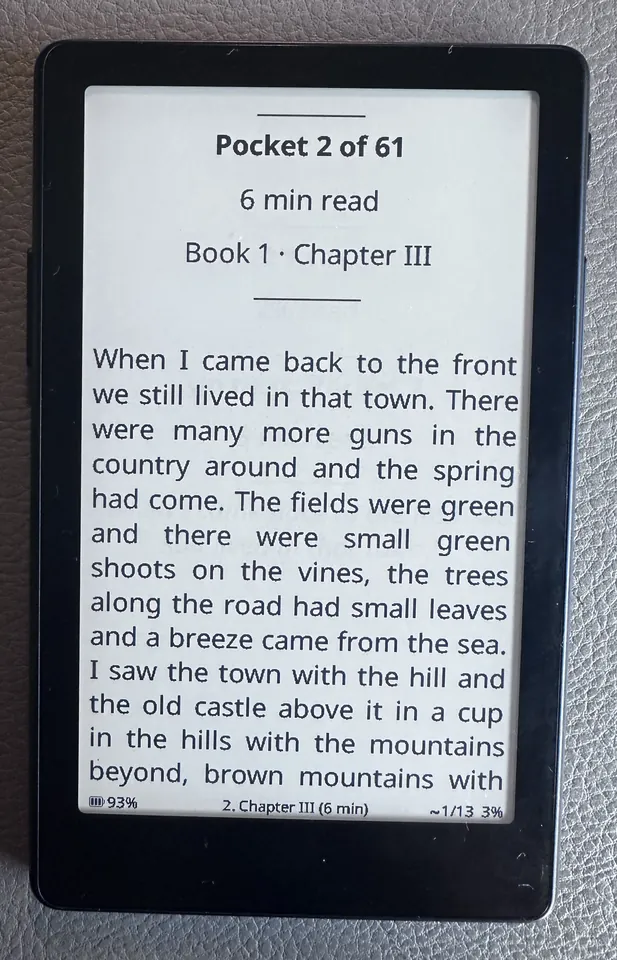
Start
Each pocket opens with a small card: which pocket, how long it takes, and where you are in the book. The page count at the bottom counts through this pocket only.
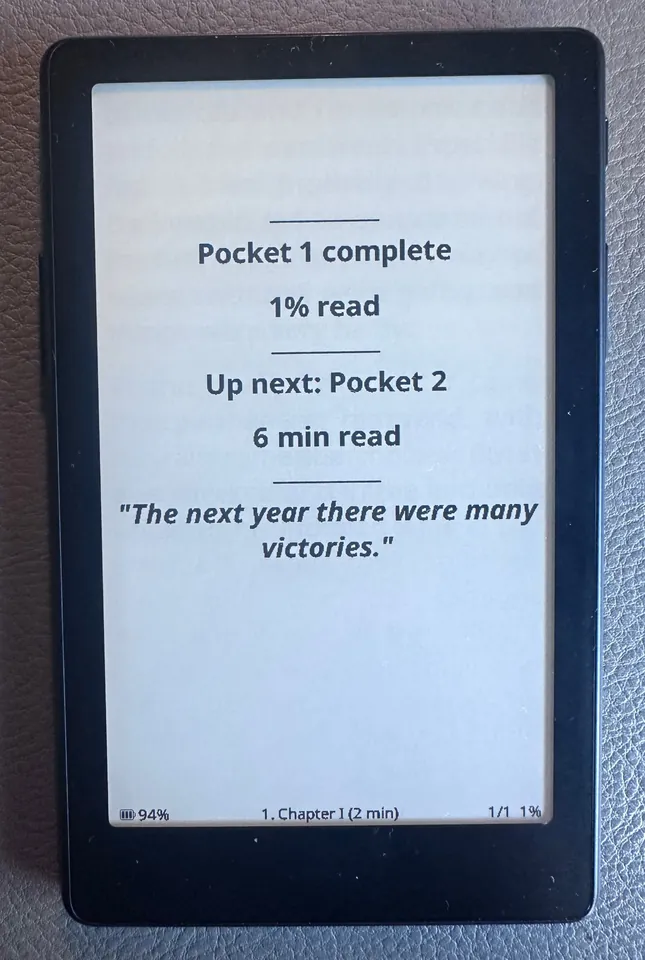
Finish
About a dozen pages later the pocket ends at a chapter end or a scene break, never mid-paragraph. Turn one more page for the end card.
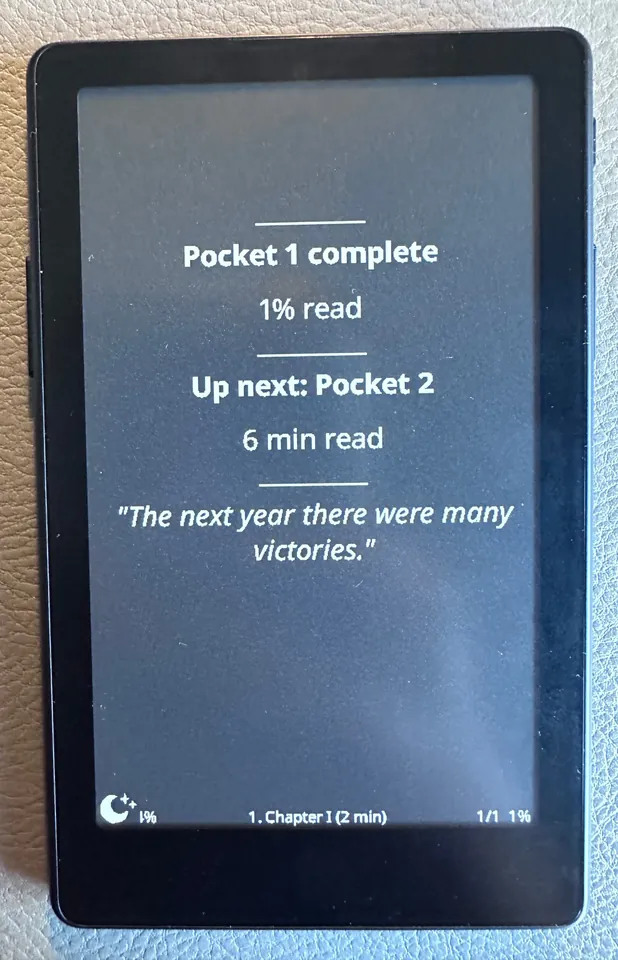
Sleep
Put the reader down. The end card stays as your sleep screen, so tomorrow's session is waiting the next time you pick it up.
Start with a classic
Ready-made Pocket Pages editions of three novels, from the carefully produced, public-domain books at Standard Ebooks.
- Download (0.7 MB)
Frankenstein
Mary Shelley. 48 pockets, about 7 weeks at one a day.
- Download (0.9 MB)
Pride and Prejudice
Jane Austen. 79 pockets, about 12 weeks at one a day.
- Download (1.5 MB)
Moby Dick
Herman Melville. 149 pockets, about 22 weeks at one a day.
Set up your reader
Install CrossPoint
Pocket Pages is built for CrossPoint, the free, open-source firmware for the Xteink X4 and X4 Pro. Install it with the CrossPoint web flasher.
Turn on Quick Resume
On the reader, go to Settings, then Display, and set Sleep Screen to Quick Resume. The reader then sleeps on the page you're reading, so finishing on an end card puts the next pocket on your sleep screen.
Copy the book across
Put the .epub on the reader's SD card and open it from the library. The table of contents lists every pocket with its length.
Optional: the dark sleep screen
Standard CrossPoint shows the end card as it is, with every line in bold. For the flip to white on black, and lighter lines under each heading, I wrote two small changes to CrossPoint: a Quick Resume (Dark) sleep screen, and headings that keep regular weight when a book asks for it. Until they're in an official CrossPoint release, the changes and an experimental build for the X4 Pro are on GitHub. If you try the build, you can always go back to standard CrossPoint with the web flasher.